
Castle is a free Android streaming app for movies, web series, live TV, cricket and anime. It works on Android phones, tablets and Android TV, and you can run it on a PC with an emulator. Download the latest Castle APK and start watching in a few minutes, with no account and no ads.
Download Castle APK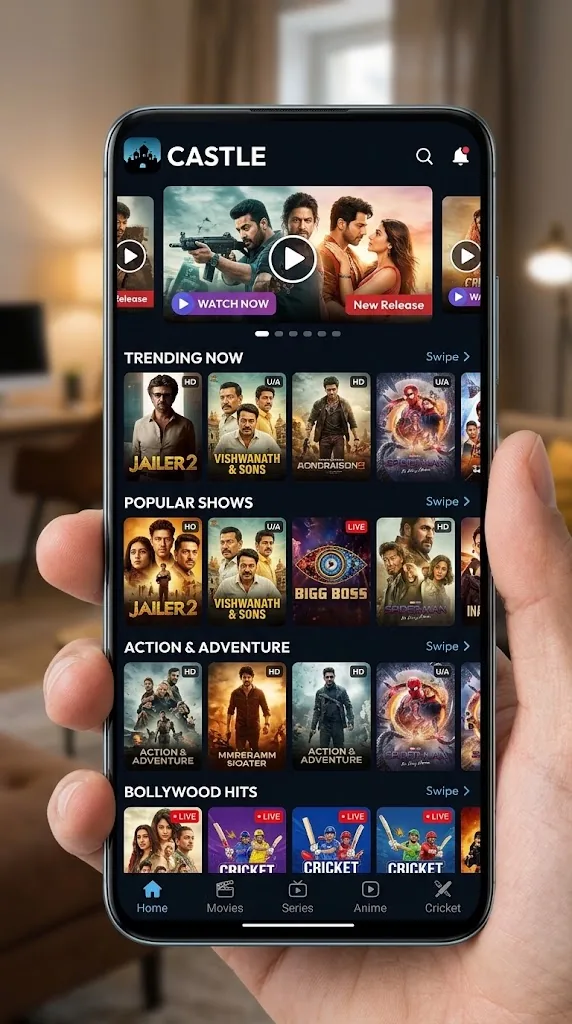
Looking for one app that covers Bollywood releases, South Indian films, web series and live cricket? Castle puts all of it in a single, simple Android app. You don't need to create an account and no ads interrupt your playback, so you can open the app and start watching straight away.
Read on to learn what Castle is, what it offers, which devices it supports and how to install it on your phone, TV or PC.

Castle is an Android entertainment app that gives you access to more than 1,00,000 titles, including movies, web series, anime, live TV channels and cricket. Instead of switching between several apps, you can browse everything in one place, search for a title and start playback in a couple of taps.
The latest version, Castle APK v2.1.3, runs on Android phones and tablets with Android 6.0 or higher. For the big screen, there is a separate Castle TV app (v1.1.3) built for Android TV and Fire TV devices.
Castle offers content in English, Hindi, Tamil and Telugu, and the app interface can be switched between English and Hindi. That makes it easy for the whole family to use, whatever language they prefer.
Castle organises its library into clear sections such as Movies, Series, Live TV, Cricket and Anime. When you pick a title, the app loads the available streams and starts playback inside its built-in player.
You can search by name, browse categories, or save titles to your favourites to watch later. Streaming quality depends mainly on your internet connection, so a stable Wi-Fi or 4G/5G connection gives the smoothest playback.
Castle is not listed on the Google Play Store. You install it directly from the APK file, which takes only a minute once you allow installs from your browser.
Castle is built around one idea: watching should be simple. Here are the features you will use every day.
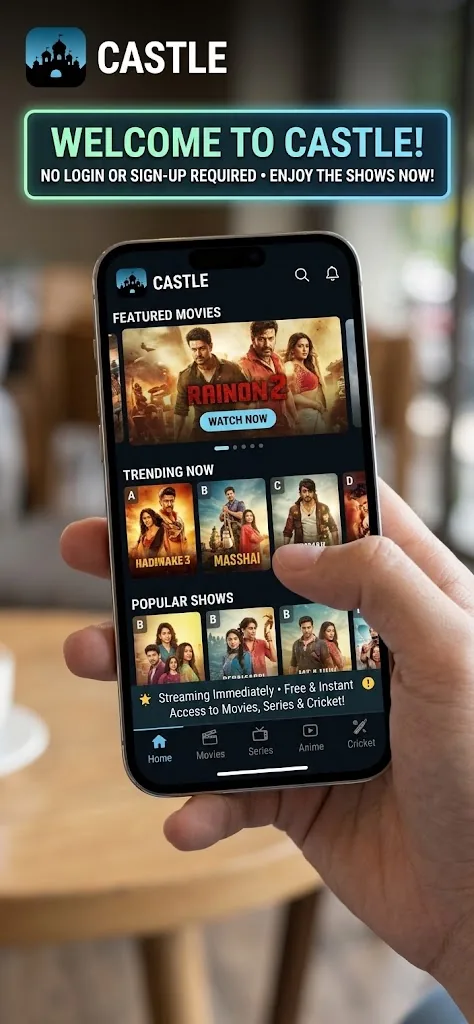
Castle does not ask for an email address, phone number or password. Install the app, open it and start watching. There are no forms to fill in and no verification codes to wait for.
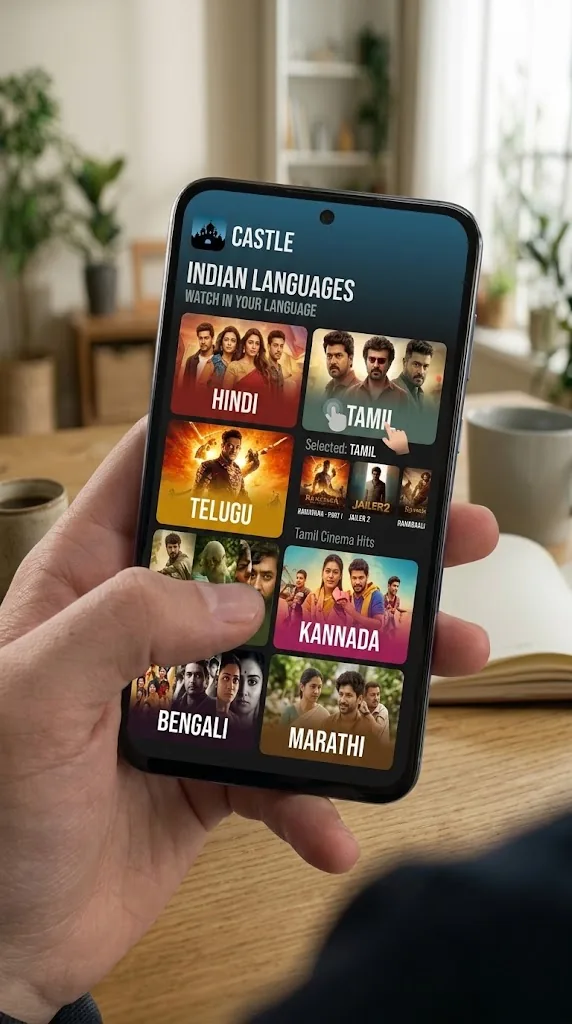
The Castle library covers Bollywood blockbusters, Tamil and Telugu hits, international films, popular web series and anime. New titles are added regularly, so there is always something fresh to watch.
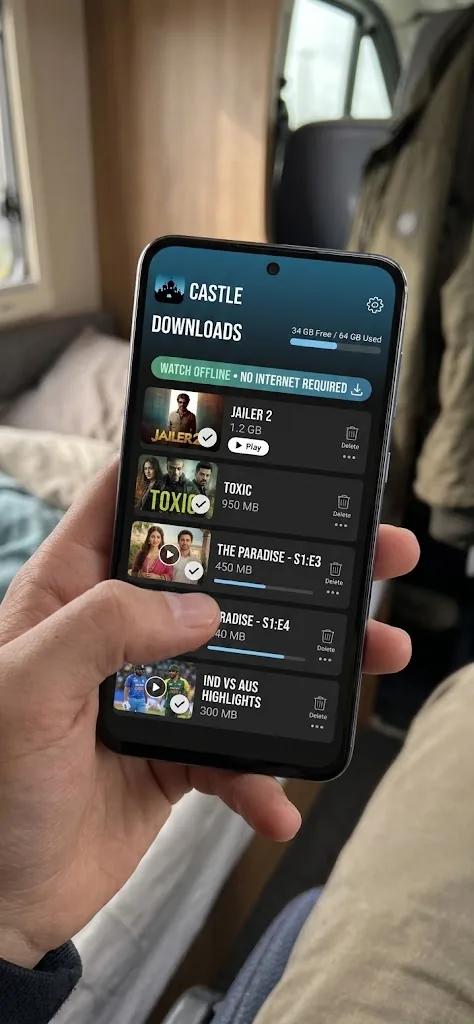
Going somewhere with weak network coverage? Download movies and episodes inside Castle while you are on Wi-Fi and watch them later without an internet connection. It's ideal for train journeys, flights and saving mobile data.
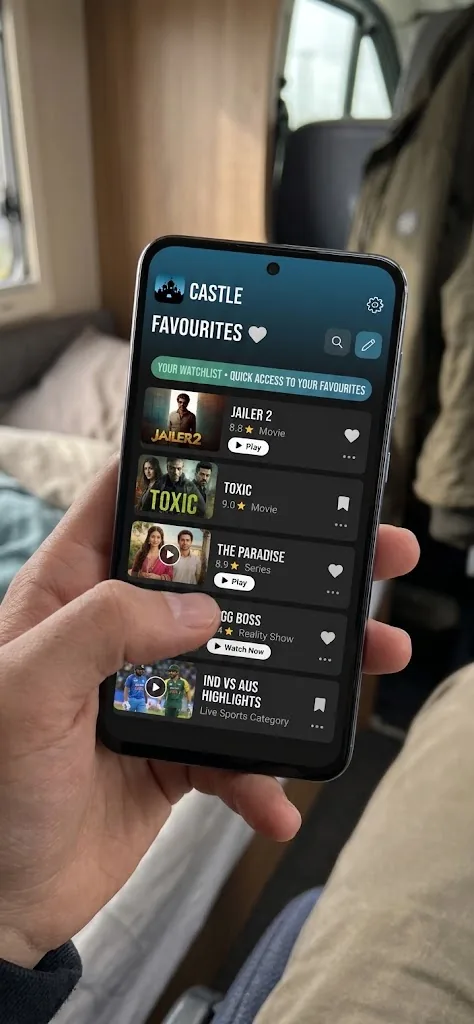
Tap the favourite icon on any title to save it to your list. Your saved movies and shows stay in one place, so you can pick up where you left off without searching again.
Castle includes several extra features that make finding and watching content easier.
Castle's Discover section highlights trending movies, new releases and popular series, so you can find something to watch without endless scrolling.
Movies, series, anime and live channels are sorted into clear categories, making it quick to browse by type, genre or language.
Adjust the app to suit you, from the interface language to your playback preferences, so Castle feels comfortable from the first launch.
Watch live TV channels directly inside the app, alongside your on-demand movies and shows.
Castle plays your content without ad breaks, pop-ups or banners, so nothing interrupts the film or match you are watching.
From the latest Bollywood releases to binge-worthy web series, Castle's on-demand library covers every mood and genre.
Follow popular anime series and films in a dedicated section, with new episodes added regularly.
Castle TV includes parental controls, so families can keep viewing suitable for younger members of the household.
Follow cricket matches live and never miss a big moment, whether it's a league game or an international fixture.
Watch content in Hindi, Tamil and Telugu as well as English, with a wide choice of regional films and shows.
Castle lets you switch the app interface between English and Hindi. Menus, buttons and settings change to the language you choose, while your content library stays exactly the same.
With the Hindi interface, you get:
This option is available in the app settings and can be changed back to English at any time.
No. Castle is an Android app and there is no Castle app for iPhone or iPad. Any website offering a "Castle iOS download" is not offering the real app, so it's best to avoid those files.
If you want to watch Castle on a bigger screen, you can install it on an Android TV, a Fire TV device or a Windows PC instead.
Castle has a dedicated TV app, Castle TV v1.1.3 (21 MB), designed for remote-control navigation on the big screen. It works on Android TV, Google TV and Fire TV devices running Android 6.0 or higher.
For detailed steps with a Fire TV Stick, see our guide to installing Castle for Firestick.
Castle does not have a Windows or Mac app, but you can run the Android version on your computer with an emulator. We recommend MuMu Player, which works on Windows 7, 8, 10 and 11 as well as Mac.
For system requirements and troubleshooting, see our full guide to Castle for PC.
Check that your device meets these requirements before installing Castle.
| Component | Requirement |
|---|---|
| Operating System | Android 6.0 or higher |
| App Version | v2.1.3 |
| APK Size | 34.5 MB |
| TV App | Castle TV v1.1.3 (21 MB) |
| PC Support | Windows 7/8/10/11 and Mac via MuMu Player |
| Internet | Stable Wi-Fi or 4G/5G connection |
Yes. Castle is free to download and free to use. You don't need a subscription or any payment to watch movies, series or live channels.
No. Castle works without sign-up. Just install the app and start watching.
Castle is safe when you download the APK from the official source at castletvapk.net. Avoid modified or repackaged files from unknown websites, as they may not be the genuine app.
Castle is distributed directly as an APK file. You download it from the official website and install it after allowing installs from your browser, which is a standard Android setting.
No. Castle offers ad-free playback with no pop-ups or banners interrupting your content.
Yes. Castle includes live cricket and live TV channels alongside its on-demand library.
Castle offers content in English, Hindi, Tamil and Telugu, and the app interface can be switched between English and Hindi.
Yes. You can download movies and episodes inside the app and watch them later without an internet connection.
Download the newest Castle APK from castletvapk.net and install it over your current version. Your favourites and settings stay as they are.
Castle brings movies, web series, anime, live TV and cricket together in one free Android app. With no sign-up, no ads and content in four languages, it's one of the simplest ways to enjoy entertainment on your phone, TV or PC.
Download the latest Castle APK v2.1.3 today and start watching in minutes.